Interface
Contributors

Funding


Interface
- Interface
- Overview and link to Protocol in case you want to remake it
- Set up your own data and scenarios
- Installing and setting omni token
- How to update and maintain content
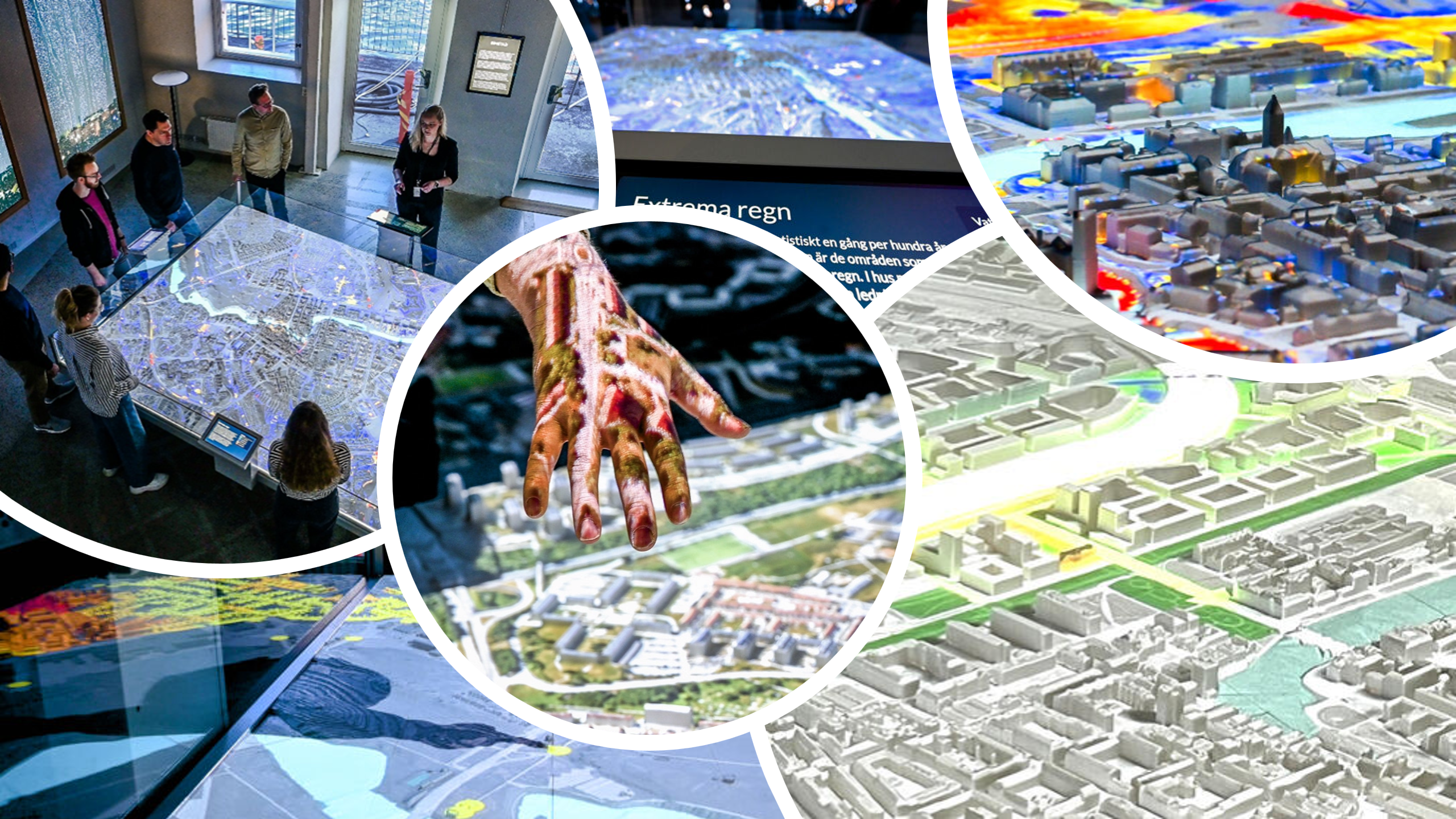
The SimStad installation includes an interactive web interface that visitors use to explore stories, themes, and data shown on the physical 3D city model.
Technical description (might not be needed?)
The interface is built in TypeScript, using Phaser, a lightweight JavaScript framework normally used for 2D games.
Installation
Describe cloning the source from (gitlab link) and following the README instructions. Once the system is built, copy the /dist/interface.exe over to the interface computer. Ensure the raster folder needs to be present in the same folder as the exe.
Content structure
SimStad organizes its material into a hierarchy consisting of Cities, Collections, Scenarios, and Rasters.
City
A City represents one full SimStad installation. It contains:
- The geospatial boundaries of the city model
- All datasets, scenarios, and collections related to that city
- Network communication settings
Collections
A Collection acts as a chapter or theme, grouping together a set of related scenarios. These are seen on the starting page of the interface and helps guide visitors by providing a storyline or theme to follow. Each collection has:
- A name and cover image
- A set of scenarios presented in a custom order
Scenarios
A Scenario represents a single topic within a collection. When a Scenario is selected, it sends a signal to Unreal Engine and the Blocks displays to display a particular dataset. A Scenario includes:
- A descriptive text for explaining the topic and the data source
- A list of rasters that are layered on the 3D model
- A legend, explaining the colors or symbols
- Interactive elements, such as buttons or sliders
Rasters
A Raster is a single dataset represented as an image. It can be an image or a video. Rasters are used in combination in a Scenario, or can be shown individually in the interface debug mode.
Legends
- bla
Tags
- bla