Projection
Contributors

Funding

Projection
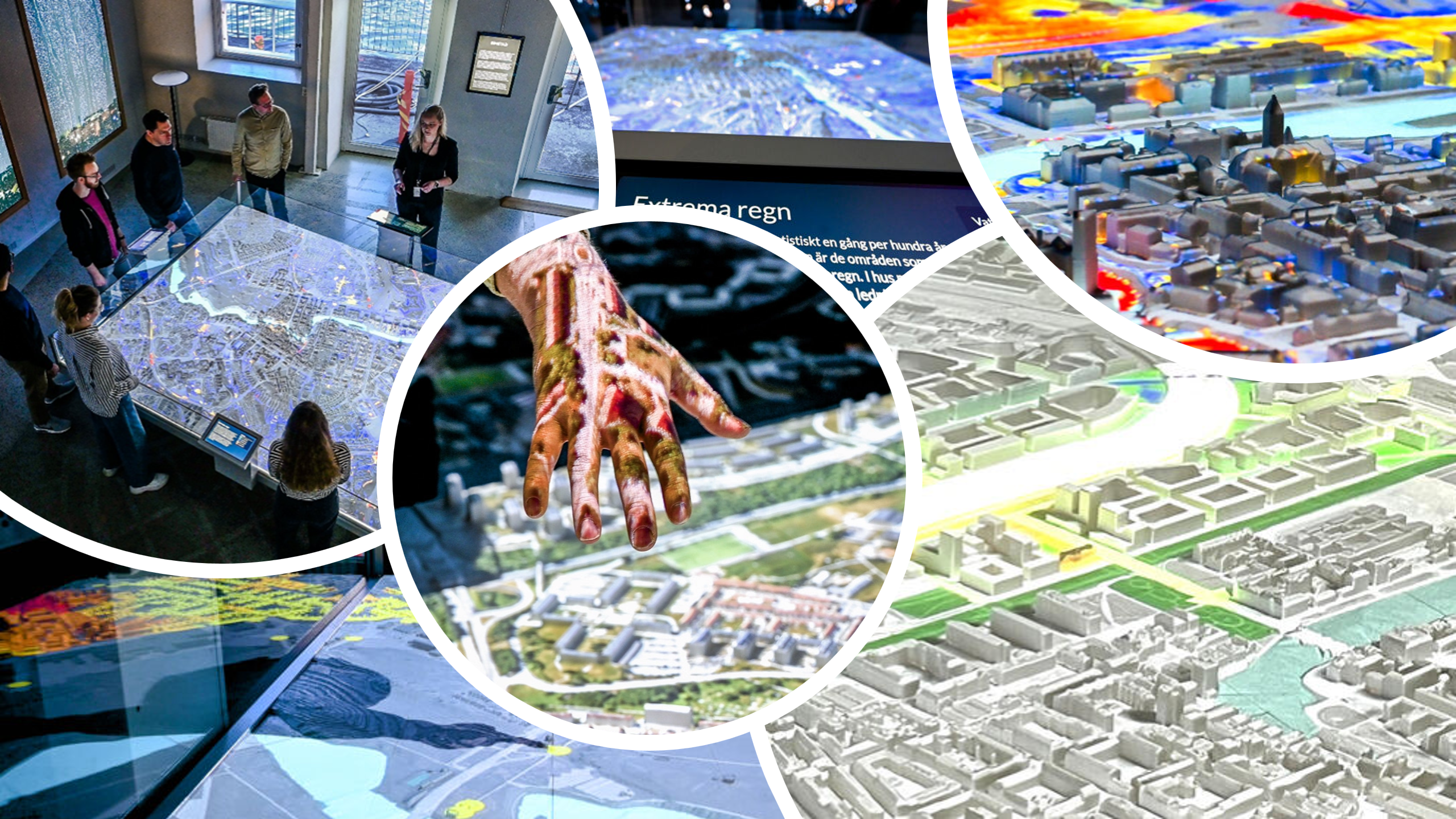
The Unreal Engine application is meant to be projected on a 3D-printed model. In the simplest scenario, you have one projector that is showing a fullscreen view of the Unreal Engine application. You then only have to make sure that the projector is mapped and placed correctly in relation to the 3D print. The default scale ratio of the 3D model is 4:3 and the projector should match that.
Multi-projector setup
To achieve a higher resolution projection, you can have multiple projectors next to each other that show parts of the whole screen, creating a larger projection. This becomes more complex however, as you need to ensure a seamless blend zone between the projectors.
nDisplay
The Unreal Engine application can be split into multiple synced instances using a plugin called nDisplay, which allows you to define camera positions for each instance using a calibration file. This file can be changed externally for each installation use case as the file path is provided in the start script.
Calibration
You can do these tricks to calibrate the projectors
You need to calibrate them once in a while, as the physical projectors might move etc